
The second screen you already own
Every solicitor we've spoken to has the same tab open twice a day: the one they keep switching back to just to check something. A new message. Whether a task moved. Whether Lutey's finished drafting that letter. It's not urgent enough to justify a second monitor, but it's frequent enough to be annoying.
Big firms solve this with hardware. Two monitors, sometimes three, one of them permanently pinned to email or a dashboard. It's a good habit — it just costs money and desk space that a two-partner firm in a converted terrace doesn't have.
We think the fix might already be in most people's pocket.
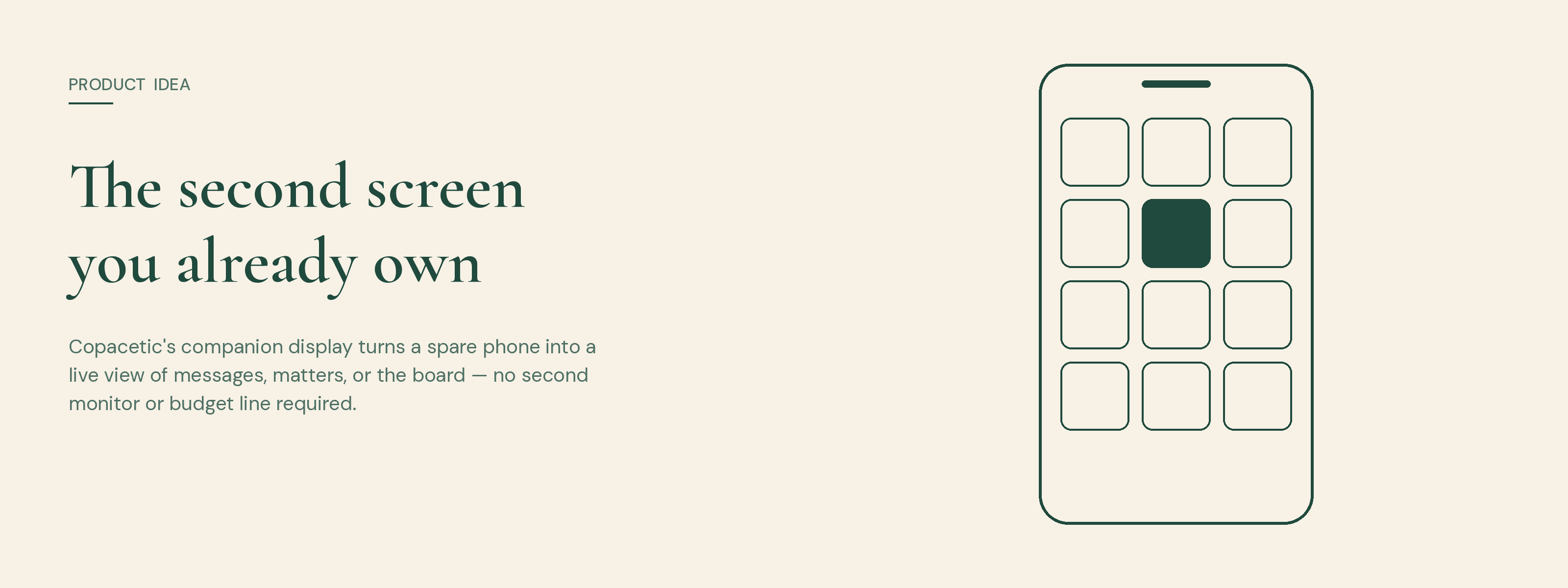
The idea is simple: companion display would turn any spare phone or tablet into a second screen for Copacetic. Scan a QR code from Settings, and that device becomes a live, single-purpose window into one part of the app — your messages, a matter's task board, or a straight line to Lutey to ask him something without opening the laptop at all.
It wouldn't be a cut-down version of the app. It'd be the opposite: intentionally narrow. A phone propped against a monitor stand isn't trying to be a workstation, so it shouldn't behave like one. No navigation, no menus, no way to wander off into settings. Pick what you want it to show — a home screen, like the one already on your phone, just built from Copacetic's own parts — and it shows only that, until you change it.
When it's idle, it wouldn't nag. The screen would dim to a clock and a quiet icon on a background you chose — white, anthracite, black, or our own court-green — so it looks less like an app left open and more like something designed to sit there.
The honest version of this idea isn't "look what the app could do." It's about who gets to work the way they want to.
A legal assistant fielding client emails in Outlook, or drafting in a CMS, wouldn't lose that flow every time they need to check if a matter's moved forward — they'd glance sideways instead. A fee earner on a call could see a message land without minimising a window mid-conversation. None of it would need new hardware, new logins, or a conversation with whoever holds the IT budget. Just a phone that's already sitting in a drawer.
It would also mean the choice of what to look at is genuinely yours. Some people want their inbox visible all day. Others want the board, so they can see work move without asking. Some just want quick access to Lutey. Companion display wouldn't presume — it'd ask, once, in Settings, and remember.
This is still an idea, not a build — nothing described here exists in the app yet. The plan, if we build it, is to ship it first as a PWA: scan a QR code and a paired, scoped session opens straight in the browser, no install required. Under the hood, that pairing would need to be tight — a companion device should only ever see the one thing it was set up to show, nothing more, and it should be switchable off from Settings the moment a device changes hands or leaves the building.
Longer term, the idea sits alongside our plan to build Copacetic as a proper installed app, starting with Android and following with iOS. Once that exists, you'd sign in once and choose every time you open it: work in the full app as normal, or hand the device over to companion mode and let it become that second screen. Same login, same data, two different jobs depending on what you need that device to do that day.
We built Copacetic on the idea that it's a system of work, not a system of record — something that helps you get on with the next thing rather than a place you file what already happened. A screen that quietly showed you what's moving, without asking anything of you, feels like it belongs to the same idea. It's on the list — we just haven't built it yet.
“You don't need a second monitor. You need somewhere to put the tab you keep switching back to.”